15 SEO mistakes small business websites keep making
On small business websites, the same SEO problems come up again and again. None of them need a big budget to fix. Here are fifteen, roughly in order of how much traffic they cost.
Small business websites tend to fail at SEO in very similar ways. Not because owners are careless, but because the website was built to look good on launch day, and nobody thought about how Google would read it.
Below are fifteen of the most common, roughly ordered by how much traffic they cost. You can check most of them in a few minutes with free tools.
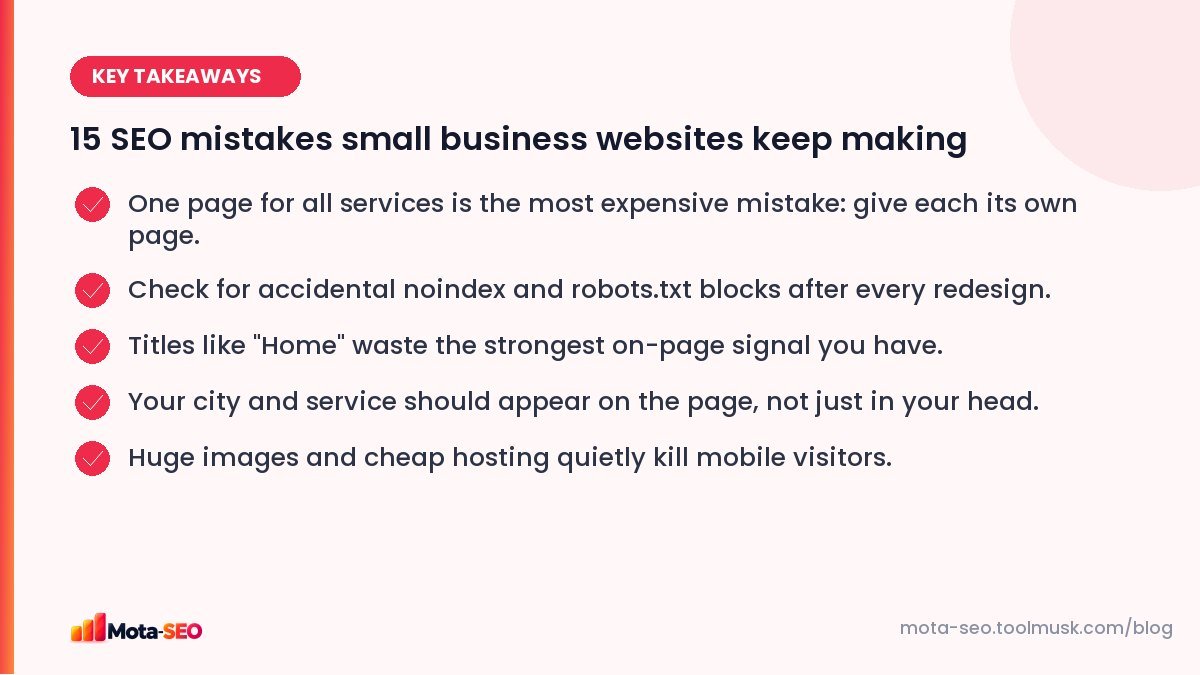
Key takeaways from this guide
Mistakes that stop you ranking at all
1. Every service on one page
A "Services" page listing twelve things can only really rank for one or two of them. A physiotherapy clinic with separate pages for back pain, sports injuries and post-surgery rehab gives Google a clear page for each search. This is the single biggest win for most service businesses.
2. An accidental noindex
WordPress has a "Discourage search engines from indexing this site" checkbox, and developers tick it on staging sites. It sometimes survives to production. Check your page source for noindex, or run the homepage through our free SEO audit. Our WordPress settings guide lists the other defaults worth fixing.
3. robots.txt blocking the site
Same story: Disallow: / left over from development. One line, whole site invisible. The robots.txt tester tells you in seconds.
4. No redirects after a redesign
The old site had /services.html, the new one has /services/. Without a 301 redirect, the old URL's rankings and links are thrown away. If you've redesigned in the last year, test your old URLs in the redirect checker.
Mistakes that make you rank lower than you should
5. Titles like "Home" or the business name only
"Sharma Dental" tells Google very little. "Dental Clinic in Malviya Nagar, Jaipur | Sharma Dental" tells it what you do and where. See our guide to writing meta titles.
6. Not saying where you are
Owners know they serve Lucknow; the website never says so, except in a footer address image. Mention the city and areas you serve in the text of relevant pages, naturally.
7. Text inside images
Beautiful banners with "Best Interior Designer in Bangalore" written in the image. Google reads image text poorly at best. Put important words in real HTML text.
8. Thin pages
Three sentences and a contact form isn't a service page. What does the service include, how long does it take, what does it cost (even a range), who is it for, what do past clients say? Answer those and the page becomes useful to people and to Google.
9. Duplicate content across location pages
Thirty "Plumber in [Area]" pages with the same text and a swapped area name. Google treats these as near-duplicates and usually indexes few of them. Fewer, genuinely different pages work better. More in our duplicate content guide.
10. No internal links
Blog posts that never link to the services they're about. Service pages that don't link to each other. Internal links show Google what's important and how pages relate. Our internal linking guide explains a simple system.
Mistakes that lose the visitors you do get
11. Slow pages from huge images
A 4 MB hero photo uploaded straight from a phone. On a mid-range Android on mobile data, that's several seconds of blank screen. Resize images to the size they're displayed and use modern formats. Test with the website speed test and read our image optimisation guide.
12. A poor mobile layout
Tiny text, buttons too close together, a menu that doesn't open. Most local searches happen on phones. Check with the mobile-friendly checker and, more importantly, on your own phone.
13. Hiding the phone number
For a local business, the phone number is the conversion. Put it in the header on mobile, make it a tap-to-call link, and keep it the same everywhere online.
Mistakes outside the website
14. An incomplete Google Business Profile
For local searches, the map results often get more clicks than the website results. Categories, hours, photos, services and reviews all count. Our Google Business Profile guide walks through every field.
15. Inconsistent name, address and phone
"Shop 12, MG Road" on the website, "12 M.G. Rd" on Justdial, an old phone number on Facebook. Consistency helps Google trust the details. See NAP consistency and citations.
Where to start
If you only have one hour this week: check for noindex and robots.txt blocks (mistakes 2 and 3), rewrite your homepage and top service page titles (5), and make sure each main service has its own page (1). Those four fixes alone cover a large share of the traffic small sites lose.
Frequently asked questions
What is the most common SEO mistake?
For small business sites, putting all services on one page. Each service people search for needs its own page with its own title and content to rank well.
Can a website be blocked from Google by mistake?
Yes, usually by a noindex tag or a Disallow rule in robots.txt left over from development. Both are quick to check and fix.
Do I need a blog for SEO?
Not necessarily. For many local businesses, strong service pages and a complete Google Business Profile matter more. A blog helps when you can answer real customer questions well and consistently.
How do I fix duplicate location pages?
Merge the weakest ones into a single service-area page, and make the remaining location pages genuinely different with local projects, photos, testimonials and details specific to each area.

Written by the Mota-SEO team
We build free SEO and website tools. Our guides are practical, written for small teams, and checked against Google's own documentation.



Comments 0