Duplicate content: what it really is and how to fix it
There is no "duplicate content penalty" for most sites, but duplicates still cause real problems: split signals, the wrong page ranking and wasted crawling. Here are the usual causes and how to fix each one.

"Duplicate content" sounds like plagiarism, and people often worry Google will penalise them for quoting a manufacturer's product description or having the same footer on every page. In practice, most duplicate content is technical: the same page reachable at several URLs. And there's no penalty in the usual sense.
That doesn't mean it's harmless. Duplicates split your ranking signals between versions, can make Google show the wrong URL, and waste crawling. Here's how to find and fix them.
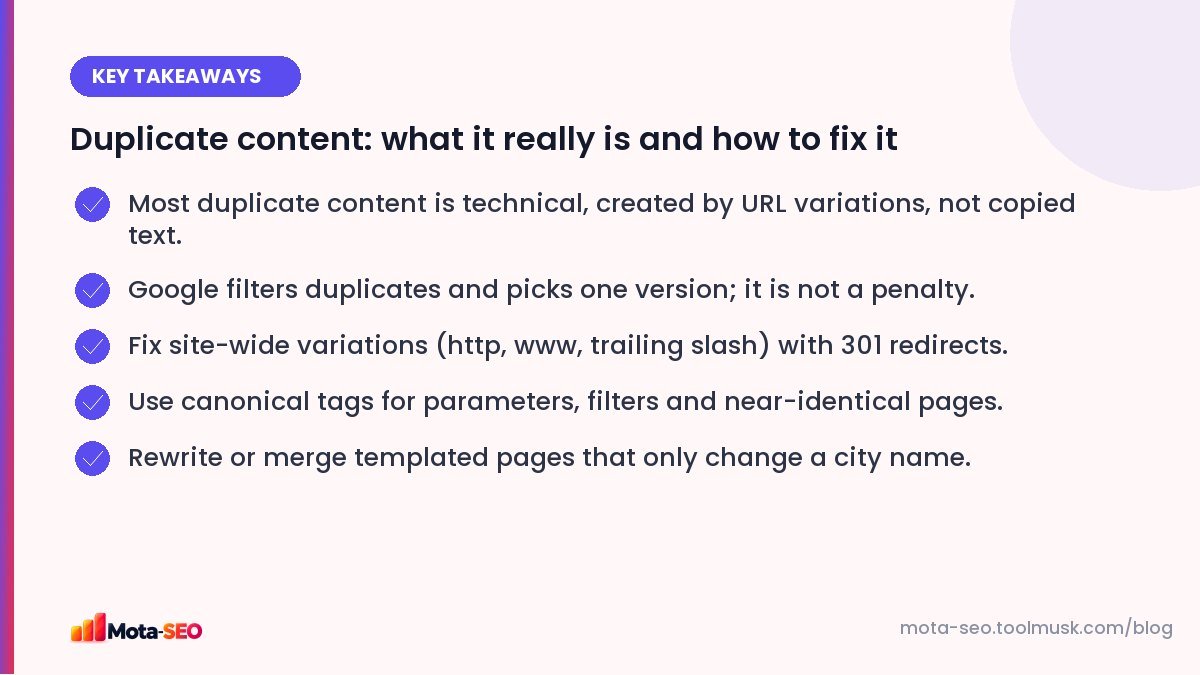
Key takeaways from this guide
What Google actually does with duplicates
When Google finds several pages with the same or very similar content, it groups them and picks one to show in search, called the canonical. The others are filtered out of results. It's a filter, not a punishment.
The problems come from Google picking for you:
- it may pick a URL you don't want (with tracking parameters, or the http version),
- links and signals pointing to the different versions may not all be consolidated as well as they would be with clear signals,
- on large sites, crawling thousands of duplicates delays crawling of real pages.
Deliberately copying content from other sites at scale to manipulate rankings is a different matter and can lead to action under Google's spam policies. That's not what most site owners are dealing with.
The usual causes
| Cause | Example | Fix |
|---|---|---|
| http vs https | http://site.com/page and https://site.com/page | 301 redirect to https |
| www vs non-www | www.site.com and site.com | 301 redirect to one |
| Trailing slash | /page and /page/ | 301 to one format |
| Uppercase letters | /About and /about | 301 to lowercase |
| Tracking parameters | /page?utm_source=whatsapp | Canonical to clean URL |
| Filters and sorting | /shoes?sort=price&color=red | Canonical to category |
| Print or AMP versions | /page/print | Canonical or noindex |
| Product in several categories | /men/shoes/x and /sale/x | One URL per product, or canonical |
| Location pages from a template | "Plumber in [Area]" ×40 | Rewrite, merge or noindex |
| Staging site indexed | dev.site.com | Password-protect, noindex |
How to find duplicates
Search Console
In the Pages report, look for "Duplicate without user-selected canonical" and "Duplicate, Google chose different canonical than user". The second one means your canonical tag says one thing and Google decided another, often because the pages aren't as similar as you think, or internal links point elsewhere.
Test the site-wide variations
Put the four versions of your homepage (http/https, www/non-www) into the redirect checker. All four should end on the same URL with a single 301. Do the same with and without a trailing slash on an inner page.
Check canonical tags
The canonical URL checker shows which canonical a page declares. Every page should either point to itself or deliberately to the main version.
Search for your own text
Copy a distinctive sentence from a page and search it in quotes on Google. You'll see if other URLs on your site, or other sites, carry the same text.
The fixes, from strongest to weakest
- 301 redirect: use when the duplicate URL shouldn't exist at all (http, www variants, old URLs). Visitors and search engines both end up on one page.
- Canonical tag: use when the duplicate must stay accessible to visitors (filters, tracking links, printer versions). It's a strong hint, not a command. See our canonical guide.
- Noindex: use for pages that should exist for users but never appear in search (internal search results, thin tag pages).
- Rewrite or merge: the only real fix for templated pages that say the same thing.
Templated location and product pages
This is where most real duplicate problems on small business sites come from. Forty "AC repair in [area]" pages with identical text won't rank forty times. Google will index a few and ignore the rest.
Better options:
- one strong "AC repair in Bangalore" page listing the areas you cover,
- separate pages only for areas where you have genuinely local content: jobs done there, reviews from local customers, specific travel times or prices.
For e-commerce, manufacturer descriptions used by every retailer are a similar issue. Add your own details: sizing notes, what's in the box, your photos, real customer questions. That's what differentiates your page from fifty others with the same paragraph.
What isn't a problem
- Headers, footers and navigation repeated across pages.
- Quoting a short passage from another source with attribution.
- The same product description in a few places on your own site with a proper canonical.
- Your content being syndicated elsewhere, when the copy links back and ideally uses a canonical to the original.
Duplicates are one of those issues that are easy to create by accident and easy to fix once you look. A quarterly check, part of our one-afternoon audit, keeps them under control.
Frequently asked questions
Is there a duplicate content penalty?
Not for normal technical duplicates. Google filters duplicate pages and shows one version. Deliberately copying content at scale to manipulate rankings is different and can be treated as spam.
How much similarity counts as duplicate content?
There is no published percentage. Pages that are identical or differ only in small details, like a city name, are typically grouped as duplicates.
Should I use a canonical tag or a 301 redirect?
Use a 301 when the duplicate URL should not exist for anyone. Use a canonical tag when visitors still need the duplicate URL, such as filtered or tracked versions of a page.
Can other websites copying my content hurt me?
Usually Google identifies the original. If a scraper outranks you, make sure your page is indexed first and well linked, and you can file a copyright removal request with Google.

Written by the Mota-SEO team
We build free SEO and website tools. Our guides are practical, written for small teams, and checked against Google's own documentation.



Comments 0