Keyword research without paid tools: a step-by-step method
Paid keyword tools are useful, but not essential. With Google itself, Search Console and a spreadsheet, you can build a keyword list good enough for most small businesses. Here is the method.

Keyword research is finding the words people type when they need what you offer. Paid tools estimate search volumes and difficulty for millions of keywords, which is handy. But the most valuable keyword insights for a small business come from free sources: your customers, Google itself, and your own Search Console data.
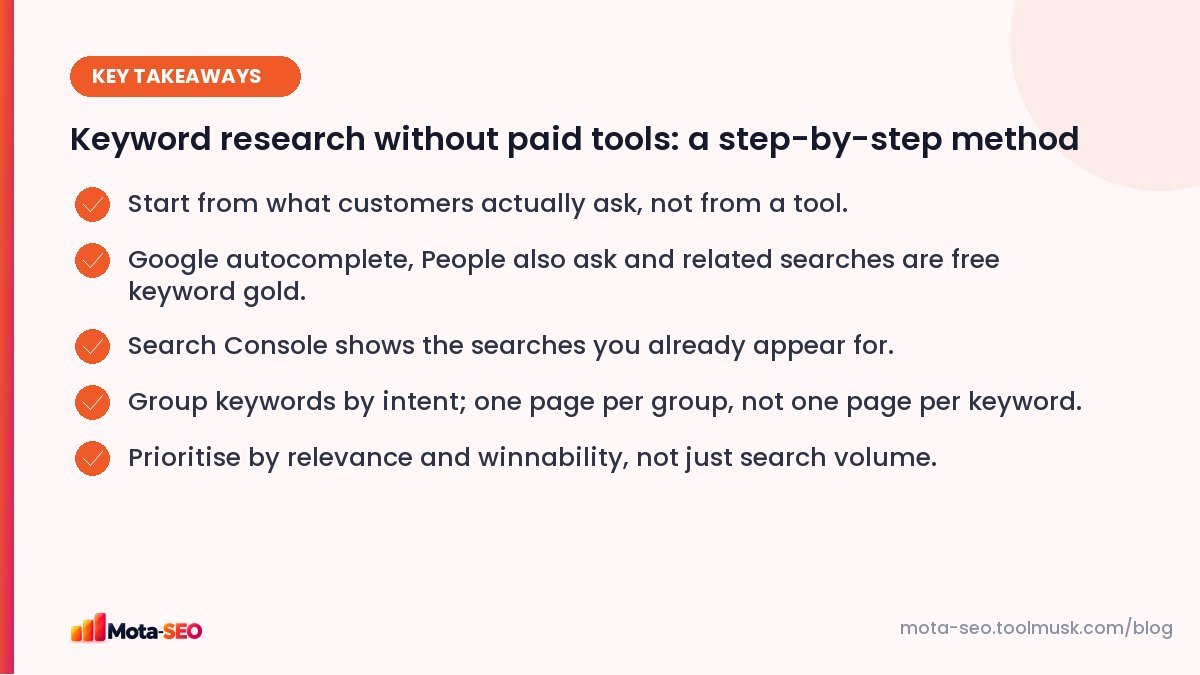
Key takeaways from this guide
Step 1: Start with your customers
Before opening any tool, write down:
- the services or products you sell, in the words customers use (not your internal jargon),
- questions customers ask on calls, WhatsApp and email,
- problems they describe before they know your solution exists,
- the places you serve, if you're local.
A tiling contractor might call it "vitrified tile installation"; customers search "floor tiles fitting cost per sq ft". That difference is the whole point of keyword research.
Step 2: Mine Google's autocomplete
Type your main phrases into Google slowly and note the suggestions. Then try:
- the phrase followed by each letter: "floor tiles a…", "floor tiles b…",
- question starters: "how much", "which", "best", "vs", "near me",
- your city: "floor tiles fitting Chennai".
Autocomplete reflects real searches, which makes it one of the best free sources available. Our keyword combiner helps you generate combinations of services, modifiers and locations to test.
Step 3: People also ask and related searches
Search your main phrases and expand the "People also ask" questions; each one you open reveals more. Scroll to the bottom for related searches. Copy everything relevant into your spreadsheet. These questions make excellent headings and FAQ entries.
Step 4: Your own Search Console data
If your site is already live, Search Console → Performance → Queries shows the exact searches you appear for, with impressions and positions. Look for:
- queries with many impressions but few clicks (opportunities to improve a page),
- queries in positions 8–20 (close to page one),
- queries you didn't expect, revealing topics people associate with you.
Our Search Console guide explains how to filter these.
Step 5: Google Keyword Planner for rough volumes
Keyword Planner (inside Google Ads) is free to use with an account. Without active ad spend, it shows volume ranges ("100–1K") rather than exact numbers, which is still enough to compare options. Use it to sanity-check that a phrase has some demand, not to chase the biggest number.
Step 6: Look at competitors
Search your main terms and look at the pages ranking on page one. Their titles and headings show which phrasings work. If you know a competitor's site, browsing their service pages and blog categories shows which topics they cover that you don't.
Step 7: Group by intent
Now you'll have a long, messy list. Group keywords that mean the same thing and would be answered by the same page:
| Group (one page) | Keywords |
|---|---|
| Floor tile fitting service, Chennai | floor tiles fitting chennai, tile laying service chennai, vitrified tile installation chennai |
| Cost guide | floor tiles fitting cost per sq ft, tile laying labour charges, tiling cost for 2bhk |
| Comparison guide | vitrified vs ceramic tiles, which tiles are best for floor |
One page per group, not one per keyword. Pages that answer a whole group rank for many variations at once. Intent matters a lot here; see our search intent guide.
Step 8: Prioritise
Score each group on three things:
- Business value: would ranking for this bring customers?
- Winnability: are the current top results weak, old, or from sites similar in size to yours? Specific, local and long-tail phrases are easier; see why long-tail keywords suit small sites.
- Effort: do you already have a page to improve, or do you need a new one?
Start with high value, winnable, low effort. Leave the giant head terms for later.
From keyword list to a content calendar
Turn the prioritised groups into a simple plan in the same spreadsheet. Add four columns: page type (service page, guide, comparison, FAQ), existing URL if any, target month, and status.
| Group | Page type | Existing URL | Month |
|---|---|---|---|
| Floor tile fitting service, Chennai | Service page | /services/tiling | Improve in October |
| Tiling cost per sq ft | Cost guide | (new) | November |
| Vitrified vs ceramic tiles | Comparison | /blog/tile-types (old) | Update in December |
Notice that two of the three rows improve pages that already exist. Updating old content is often faster than writing new pages; our guide to refreshing old posts covers the process.
A realistic output
For a small local business, a good result is 10–25 page-level keyword groups: one per service, a few cost and comparison guides, and a handful of common questions. That's a content plan for six months, built entirely from free sources.
Frequently asked questions
Can I do keyword research for free?
Yes. Google autocomplete, People also ask, related searches, Google Search Console and Google Keyword Planner together give most small businesses everything they need.
How many keywords should one page target?
One main topic and its close variations. Group keywords with the same intent and answer them on one page instead of creating a page for each variation.
Is search volume the most important thing?
No. Relevance to your business and your chance of ranking matter more. A low-volume keyword that brings ready-to-buy customers is worth more than a popular one that never converts.
How often should I redo keyword research?
Review it every few months using Search Console data, and do a fuller round when you add new services or products.

Written by the Mota-SEO team
We build free SEO and website tools. Our guides are practical, written for small teams, and checked against Google's own documentation.



Comments 0