Google Ads keyword match types explained (with examples)
Match types decide which searches can trigger your ads. Choose loosely and your budget disappears on unrelated searches; choose too tightly and you miss customers. Here is how each type works and what to use on a small budget.
In Google Ads you don't bid on searches directly; you bid on keywords, and the match type decides how closely a person's search must match your keyword for your ad to show. It's the single setting with the biggest effect on whether a small budget is spent wisely.
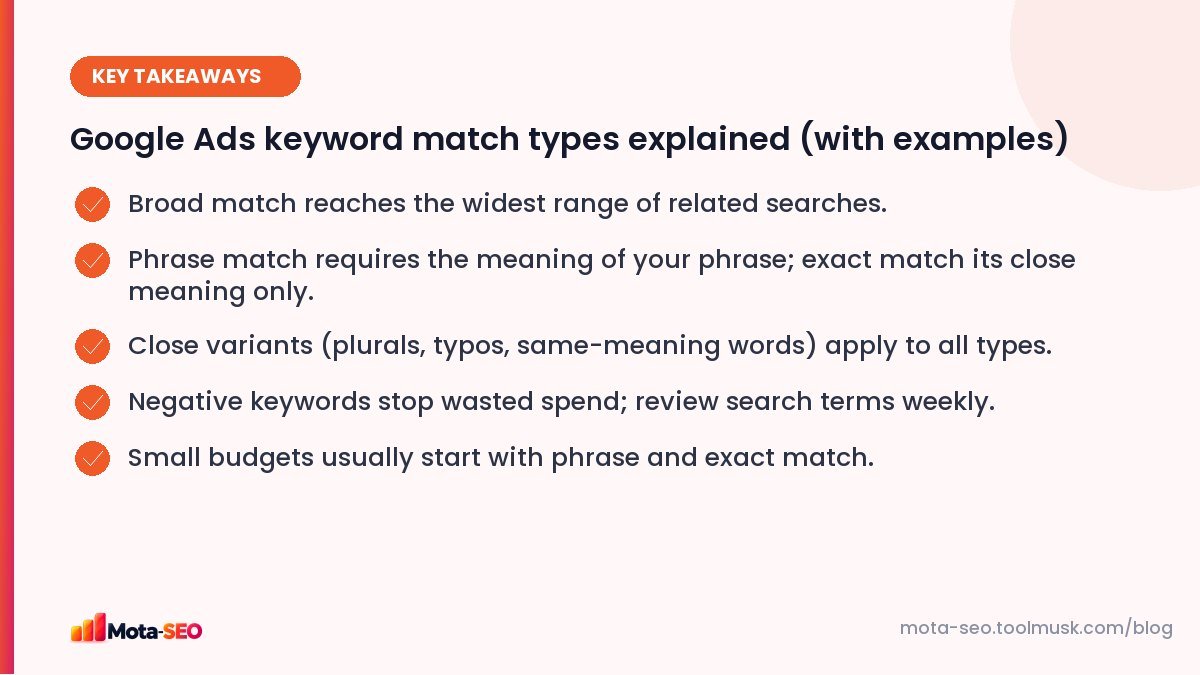
Key takeaways from this guide
The three match types
| Match type | How you write it | Can show for |
|---|---|---|
| Broad | ac repair service | Searches related to your keyword's meaning, even without its words: "split ac not cooling", "aircon technician near me". |
| Phrase | "ac repair service" | Searches that include the meaning of your phrase: "ac repair service in whitefield", "best ac repair service cost". |
| Exact | [ac repair service] | Searches with the same meaning or intent: "ac repair service", "ac repairing service", "service for ac repair". |
The old "broad match modifier" (+ac +repair) was retired in 2021, with its behaviour folded into phrase match.
Close variants
All match types include close variants: misspellings, singular and plural forms, abbreviations, and words with the same meaning. "AC repair" and "air conditioner repair" may be treated as the same. That's convenient, but it's also why exact match today is less exact than its name suggests.
Which to use
Broad match
Reaches the most searches and works best with smart bidding and plenty of conversion data, because Google uses signals beyond the keyword to decide relevance. On a small budget without good conversion tracking, broad match can spend money on loosely related searches very quickly.
Phrase match
A good default for small businesses: it captures useful variations ("in [area]", "cost", "best") while staying on topic.
Exact match
Most control and usually the highest relevance. Use it for your proven, highest-value searches. Volume is lower, so you may need several exact keywords to cover the main phrasings.
Negative keywords: the other half of the job
Negative keywords stop your ad showing for searches containing them. For an AC repair business:
- Jobs: job, vacancy, salary, course, training
- DIY: how to, yourself, diy, video
- Wrong products: car ac, ac remote, ac price (if you don't sell units)
- Wrong locations: cities you don't serve
- Free: free, online course
Negatives also have match types, and they don't include close variants, so add plurals and common misspellings separately.
The weekly search terms routine
In Google Ads, the Search terms report shows the actual searches that triggered your ads. Every week for the first month (then monthly):
- Sort by cost.
- Add irrelevant terms as negatives.
- Add good, converting terms as phrase or exact keywords.
- Note phrases worth targeting with SEO pages too; see SEO vs Google Ads for why this data is valuable.
Writing keywords in all match types quickly
Our keyword match type generator takes a list of keywords and outputs them in broad, "phrase" and [exact] format, ready to paste into Google Ads. The keyword combiner helps build lists of services combined with locations or modifiers.
A starter setup for a small local business
- One campaign per main service, location targeting set to your service area.
- Phrase and exact match versions of 10–20 keywords per service.
- A shared negative keyword list (jobs, DIY, free, wrong locations).
- Conversion tracking for calls and form submissions before increasing budget.
- Consider broad match only once you have steady conversion data.
An example week of search terms
Here's the kind of thing a search terms report shows for a phrase match keyword "ac repair service" in Bangalore, and what to do with each row:
| Search term | Action |
|---|---|
| ac repair service near me | Good. Keep. |
| split ac repair service whitefield | Good. Add as exact match if it converts. |
| ac repair service course | Add "course" as a negative. |
| car ac repair service | Add "car" as a negative (if you don't do cars). |
| ac repair service mumbai | Add "mumbai" as a negative and check location settings. |
Ten minutes a week on this report is what separates accounts that waste half their budget from accounts that don't.
Common mistakes
- Only broad match keywords on a small budget, with no negatives.
- Never opening the search terms report.
- The same keyword in several ad groups competing with itself.
- No conversion tracking, so smart bidding has nothing to learn from.
Match types are the foundation of a lean Google Ads account. Get them and your negatives right, and even a modest daily budget can bring steady, relevant leads.
Frequently asked questions
What are the match types in Google Ads?
Broad match, phrase match (written in quotes) and exact match (written in square brackets). Each controls how closely a search must relate to your keyword.
Which keyword match type is best for a small budget?
Phrase and exact match usually give a small budget more control. Broad match works best with good conversion tracking and smart bidding.
Is broad match modifier still available?
No. It was retired in 2021 and its behaviour was merged into phrase match.
Do negative keywords include close variants?
No. Negative keywords do not match close variants, so add plurals and common misspellings yourself.

Written by the Mota-SEO team
We build free SEO and website tools. Our guides are practical, written for small teams, and checked against Google's own documentation.


Comments 0