HTTP status codes every SEO and site owner should know
Every time a browser or Googlebot requests a page, your server answers with a three-digit status code. Those codes decide whether a page is indexed, redirected or dropped. Here are the ones that matter and what to do about each.
Status codes are the server's one-line answer to every request: "here it is", "it moved", "it's gone", "I'm broken". Visitors rarely see them, but search engines read every one, and they directly decide what happens to your pages in the index.
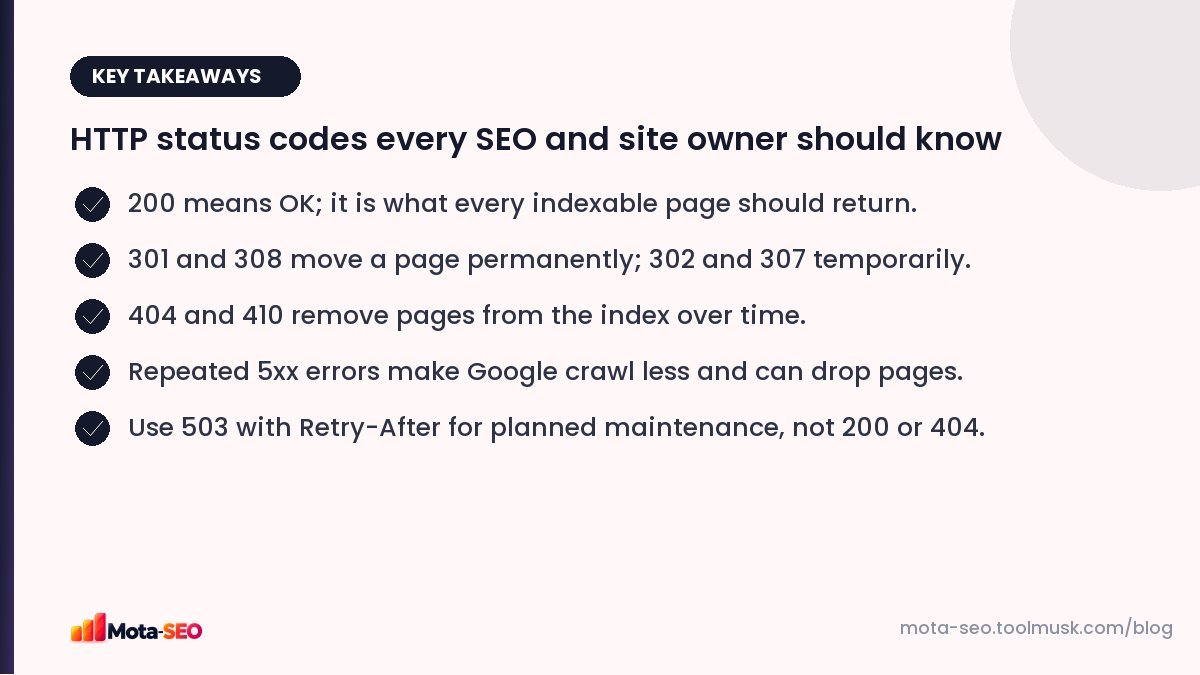
Key takeaways from this guide
The five families
| Range | Meaning |
|---|---|
| 1xx | Informational (rarely relevant to SEO) |
| 2xx | Success |
| 3xx | Redirection |
| 4xx | Client error: the request can't be fulfilled (usually "not found") |
| 5xx | Server error: the server failed |
The codes that matter
200 OK
The page exists and is returned normally. Every page you want indexed should return 200. Watch out for error pages that also return 200; these are "soft 404s" and Google reports them in Search Console.
301 Moved Permanently / 308 Permanent Redirect
The page has moved for good. Google transfers signals to the new URL and eventually shows only the new one. Use for URL changes, domain moves and http to https. Details in our redirects guide.
302 Found / 307 Temporary Redirect
Temporary moves. Google may keep the original URL indexed. Fine for short-term changes; a mistake for permanent ones.
304 Not Modified
Returned when a browser or crawler asks "has this changed since last time?" and it hasn't. It saves bandwidth. Google uses conditional requests too, so supporting 304 properly can make crawling more efficient on large sites.
404 Not Found
The page doesn't exist. Google drops 404 URLs from the index after recrawling them a few times. Perfectly normal for deleted pages; a problem only when important pages or pages with backlinks 404 by accident. See how to fix broken links.
410 Gone
Like 404, but explicitly permanent. Google may drop 410 URLs slightly faster. Useful when you deliberately remove a batch of content and want it gone.
403 Forbidden
The server refuses access. Sometimes caused by security plugins or firewalls blocking Googlebot by mistake. If Search Console shows 403s for public pages, check your firewall and bot protection settings.
429 Too Many Requests
The server is rate-limiting. If it happens to Googlebot, Google slows down crawling. Occasional 429s are fine; constant ones mean your server or protection rules are too strict.
500 Internal Server Error
Something broke on the server: a PHP error, a database failure, a bad configuration. Occasional 500s are tolerated; persistent ones make Google crawl less, and pages that keep failing may be dropped from the index.
502 Bad Gateway / 504 Gateway Timeout
A proxy or load balancer couldn't get a response from the server behind it, often because the server is overloaded or too slow. Treated like other server errors.
503 Service Unavailable
The correct code for temporary downtime, such as planned maintenance. It tells Google "come back later" without dropping pages. Add a Retry-After header with the expected duration. Don't leave a 503 up for days; extended unavailability can still cause pages to drop.
Maintenance done right
A common mistake is a maintenance page that returns 200 ("everything is fine, and this page says 'Under maintenance'"). If Google crawls during that time, it may index the maintenance message in place of your content. Return 503 instead:
HTTP/1.1 503 Service Unavailable
Retry-After: 3600
How to check status codes
- A single URL: our HTTP headers checker shows the status code and all response headers, and the website status checker tells you quickly whether a site is up.
- Redirect chains: the redirect checker shows the code at every hop.
- Links on a page: the broken link checker lists the status of every link.
- Across the site: Search Console's Pages report and Crawl stats (Settings → Crawl stats) show response codes Googlebot received over time.
Patterns to watch in Crawl stats
| What you see | What it might mean |
|---|---|
| Rising 5xx share | Server struggling; check hosting, plugins, database. |
| Spike in 404s | Deleted section or broken internal links after a change. |
| Lots of 301s | Internal links pointing to old URLs; update them. |
| Falling crawl requests with rising response time | Slow server; Google is backing off. See crawl budget. |
Knowing these codes turns a lot of SEO mysteries into simple diagnoses. When a page disappears from Google, the status code it returns is the first thing to check.
Frequently asked questions
What status code should a deleted page return?
404 Not Found or 410 Gone. Use a 301 redirect instead if the page had traffic or backlinks and a closely related page exists.
Is a 503 bad for SEO?
A short 503 during maintenance is the right response and does not hurt. Prolonged 503s over days can lead Google to drop pages.
What is the difference between 404 and 410?
Both mean the page is not available. 410 says it is gone permanently, and Google may drop it from the index slightly faster.
How do I see which status codes Googlebot gets?
In Google Search Console, open Settings and then Crawl stats to see responses by status code, and use URL inspection for individual pages.

Written by the Mota-SEO team
We build free SEO and website tools. Our guides are practical, written for small teams, and checked against Google's own documentation.


Comments 0