Hreflang for Indian websites: English, Hindi and regional languages
If your site has the same pages in English and Hindi, or in Tamil, Marathi or Bengali, hreflang tells Google which version to show each searcher. Here is how to set it up without the usual errors.

More and more Indian websites publish in more than one language: an English and a Hindi version of a news site, a bank's product pages in Marathi and Tamil, a government scheme explained in a dozen languages. Hreflang is the mechanism that tells Google these pages are translations of each other, so it can show the Hindi page to someone searching in Hindi and the English page to someone searching in English.
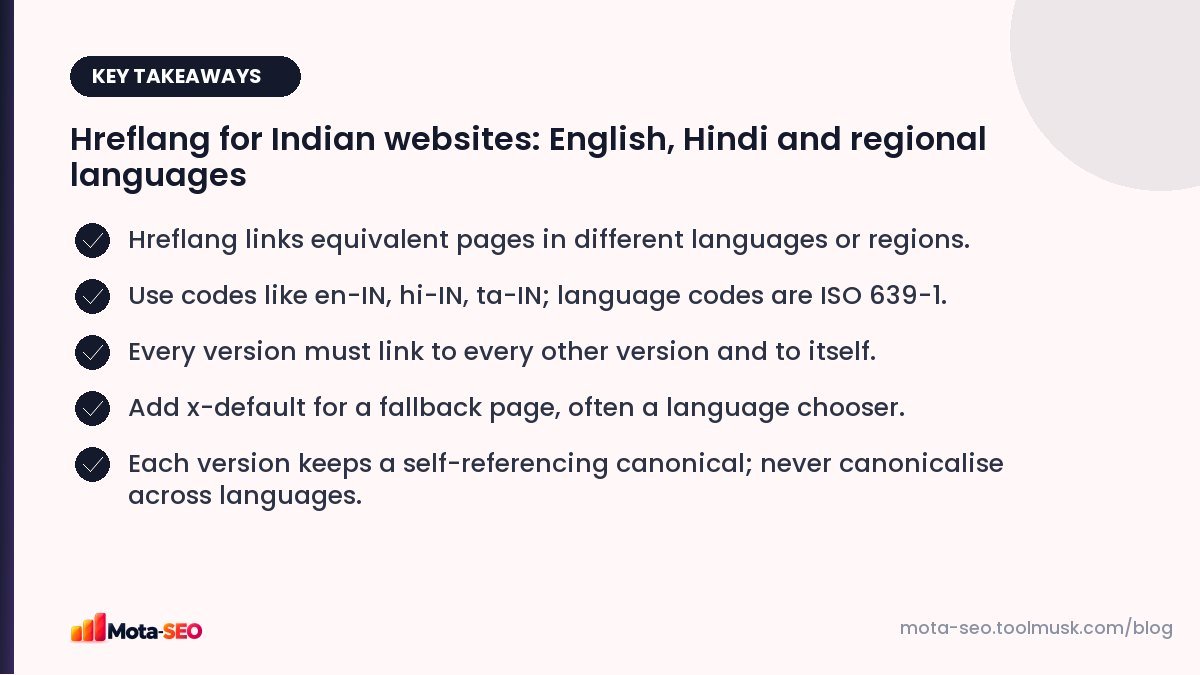
Key takeaways from this guide
When you need hreflang
- The same content in different languages (English and Hindi versions of a service page).
- The same language for different regions with different details (English pages for India and for the UAE with different prices).
You don't need it for a single-language site, or for pages that aren't equivalents. A Hindi blog post that isn't a translation of any English page needs no hreflang.
The codes
Each hreflang value is a language code (ISO 639-1), optionally followed by a region code (ISO 3166-1 alpha-2):
| Code | Meaning |
|---|---|
| en-IN | English, for India |
| hi-IN | Hindi, for India |
| ta-IN | Tamil, for India |
| mr-IN | Marathi, for India |
| bn-IN | Bengali, for India |
| en | English, any region |
| x-default | Fallback when no other version matches |
The region is optional. If you only have one English and one Hindi version, en and hi are enough. Never use a region code alone ("IN" is not a language).
Implementation in the HTML head
Each version lists all versions, including itself:
<!-- On https://example.com/en/home-loan -->
<link rel="alternate" hreflang="en-IN" href="https://example.com/en/home-loan">
<link rel="alternate" hreflang="hi-IN" href="https://example.com/hi/home-loan">
<link rel="alternate" hreflang="x-default" href="https://example.com/home-loan">

<!-- On https://example.com/hi/home-loan: exactly the same three lines -->
The "return link" rule is the one most often broken: if the English page points to the Hindi page, the Hindi page must point back. Without the return link, Google may ignore the annotation.
Our hreflang tag generator creates the full set of tags for any number of versions.
Other ways to add hreflang
- XML sitemap: list alternates for each URL with
xhtml:linkelements. Easier to manage on large sites because it keeps the head clean. - HTTP headers: for non-HTML files like PDFs.
Use one method consistently; mixing them invites contradictions.
Structuring language versions
| Structure | Example | Notes |
|---|---|---|
| Subfolders | example.com/hi/ | Easiest to manage; shares the domain's authority. Our usual recommendation. |
| Subdomains | hi.example.com | Workable; slightly more setup. |
| Parameters | example.com?lang=hi | Avoid; harder for users and search engines. |
Mistakes that break hreflang
- Missing return links, explained above.
- Wrong codes:
ininstead ofhifor Hindi, oren-UK(the correct code isen-GB). - Canonical pointing to the other language. The Hindi page's canonical must point to itself, not to the English page. Otherwise you're telling Google the Hindi page is a duplicate to be ignored. See our canonical guide.
- Hreflang URLs that redirect or 404. Use final, 200-status URLs.
- Machine translation left unchecked. Hreflang can't fix low-quality translations; Google can still judge the page as unhelpful.
- Automatic redirects by browser language that stop Googlebot (which usually crawls without a language preference) from seeing all versions. Let users switch languages with links instead.
Writing in Hindi and regional languages
- Translate titles and meta descriptions too, not just the body. Check them with the meta tags checker.
- Research keywords in each language; people often search in a mix of scripts, or in Hinglish typed in Latin letters. A Hindi page might also need to answer "home loan kaise le" style searches.
- Set the
langattribute on the html tag (<html lang="hi">). - Use readable URLs. Many sites keep slugs in English or transliterated even for Hindi pages because Devanagari URLs turn into long encoded strings when shared.
Checking it works
View the source of each language version and confirm the hreflang set is identical on every page. Then use URL inspection in Search Console for a Hindi page and check Google indexed it as its own canonical. If Google treats translations as duplicates, the canonical or return links are usually the cause.
Frequently asked questions
What is the hreflang code for Hindi?
hi, or hi-IN for Hindi targeted at India. Language codes follow ISO 639-1 and optional region codes follow ISO 3166-1.
Do I need hreflang if my site is only in English?
No. Hreflang is only for equivalent pages in different languages or for different regions.
What does x-default mean?
It names the page to show when no language or region version matches the user, often a language selector or the main English version.
Should Hindi pages have a canonical to the English page?
No. Each language version should have a self-referencing canonical. Canonicalising across languages tells Google to ignore the translated page.

Written by the Mota-SEO team
We build free SEO and website tools. Our guides are practical, written for small teams, and checked against Google's own documentation.



Comments 0