301 vs 302 redirects (and redirect chains) explained
Redirects keep visitors and rankings when URLs change. Use the wrong type, or let them pile up into chains, and you lose both. Here is what each status code means and how to keep redirects clean.
A redirect tells browsers and search engines that a page has moved. Done right, visitors land in the right place and the new URL inherits the old one's rankings. Done wrong, you get temporary redirects that never get "made permanent", chains of four hops, and the occasional infinite loop.
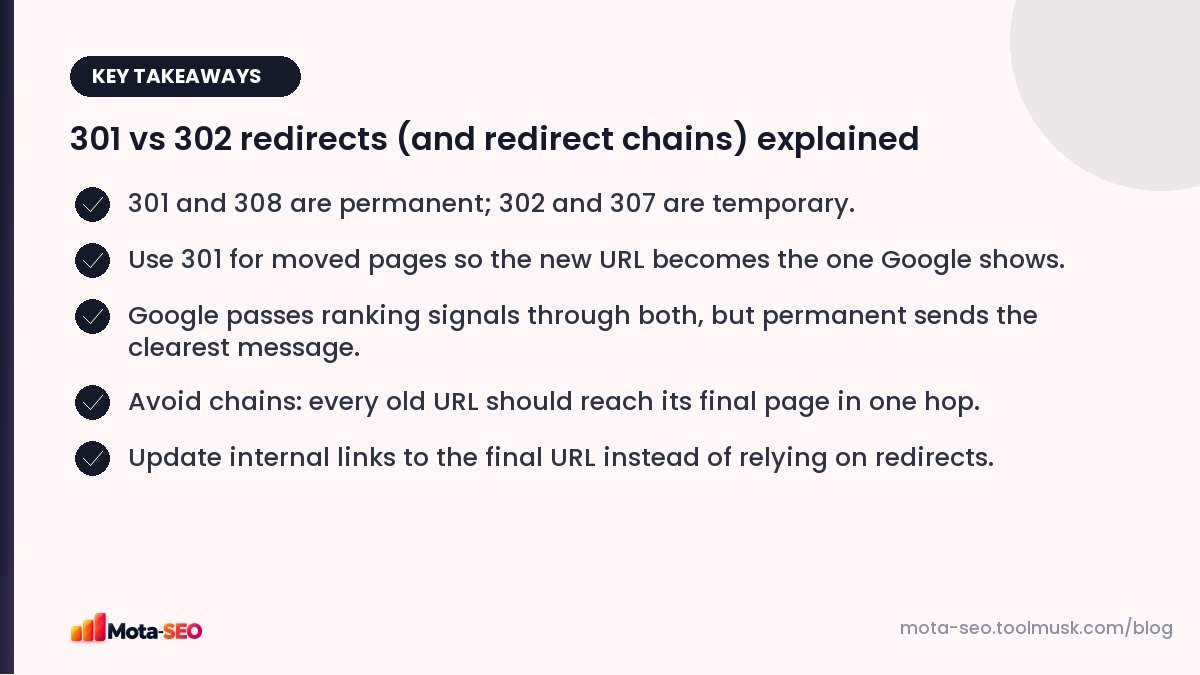
Key takeaways from this guide
The status codes
| Code | Meaning | Use it when |
|---|---|---|
| 301 Moved Permanently | The page has a new permanent home. | URL changes, domain moves, merging pages, http to https. |
| 302 Found | Temporarily elsewhere. | A short-term promotion, A/B test, maintenance page. |
| 307 Temporary Redirect | Like 302, but the request method must not change. | Temporary redirects of form submissions (POST). |
| 308 Permanent Redirect | Like 301, but the request method must not change. | Permanent moves where POST must stay POST. |
For SEO purposes, treat 301 and 308 as "permanent" and 302 and 307 as "temporary".
Does a 301 lose ranking power?
An old myth said 301s leak some PageRank. Google has said for years that 3xx redirects don't lose PageRank. What matters more is the message: a permanent redirect tells Google to replace the old URL with the new one in its index. With a temporary redirect, Google may keep showing the old URL for a while, because you said the move isn't permanent.
If a "temporary" 302 stays in place for months, Google will usually start treating it as permanent anyway. But it's better to be clear from the start.
Redirect chains and loops
A chain is when one redirect leads to another:
http://example.com/services
  → https://example.com/services       (301)
  → https://www.example.com/services   (301)
  → https://www.example.com/services/  (301)
  → 200 OK
Each hop adds delay for visitors, especially on mobile networks, and wastes crawl effort. Googlebot follows up to 10 hops, but long chains are fragile, and every hop is another chance for something to break. Aim for a single hop from any old URL to its final destination.
A loop is when redirects point back on themselves (A → B → A). Browsers show "too many redirects" and the page is unreachable for everyone.
Check any URL with our redirect checker. It shows every hop, the status code at each step and the final destination.
Setting up redirects
Apache (.htaccess)
# One page
Redirect 301 /old-page https://example.com/new-page

# Force https and non-www
RewriteEngine On
RewriteCond %{HTTPS} off [OR]
RewriteCond %{HTTP_HOST} ^www\. [NC]
RewriteRule ^(.*)$ https://example.com/$1 [L,R=301]
Combining the https and host rules into one rule avoids a two-hop chain. Our .htaccess redirect generator writes these rules for lists of URLs.
Nginx
location = /old-page { return 301 https://example.com/new-page; }WordPress
A redirect plugin or your SEO plugin's redirect manager lets you add 301s without touching server files. Many also log 404s so you can spot URLs that need a redirect.
Redirect best practices
- Redirect to the closest equivalent page, not the homepage. Redirecting everything to the homepage is often treated by Google as a soft 404, and visitors land somewhere useless.
- Keep redirects for good. Links from other sites can point at old URLs for years. A year is the minimum; permanently is better.
- Update internal links to point straight at the new URL. Redirects are for outsiders and old bookmarks, not for your own menu.
- Update the sitemap and canonicals to the new URLs.
- Avoid JavaScript and meta refresh redirects when you can use a server redirect. Google can follow them, but server-side 301s are faster and clearer.
When to use a 302 on purpose
- A festival sale page that temporarily replaces the category page.
- Sending visitors to a maintenance page for an hour.
- Geo or language redirects (though for languages, hreflang and letting users choose is usually better).
Anything you expect to last should be a 301.
Cleaning up an old site's redirects
Sites that have been redesigned a few times often accumulate layers of redirects. Once a year:
- Export old URLs that still get traffic or have links (Search Console and analytics).
- Run them through the redirect checker.
- Rewrite any chain so the oldest URL points directly to the final page.
- Fix any that end in a 404 or loop.
It's tedious, but it's one of the few technical tasks that can recover lost link value from years ago. If you're planning a bigger move, read our migration guide first.
Frequently asked questions
What is the difference between a 301 and a 302 redirect?
A 301 says the page has moved permanently, so search engines replace the old URL with the new one. A 302 says the move is temporary, so the old URL may keep showing in results.
Do redirects hurt SEO?
A single permanent redirect to an equivalent page passes ranking signals and is safe. Chains, loops, and redirects to unrelated pages like the homepage cause problems.
How long should I keep a 301 redirect?
At least a year, and ideally permanently, because links and bookmarks to the old URL can exist for many years.
How many redirects can Google follow?
Googlebot follows up to 10 hops in a chain, but you should aim for one. Every extra hop slows visitors and adds risk.

Written by the Mota-SEO team
We build free SEO and website tools. Our guides are practical, written for small teams, and checked against Google's own documentation.



Comments 0