HTTPS and SSL certificates: what every site owner should check
A padlock in the address bar is now the minimum people expect. An expired certificate or a half-secure page can scare visitors away in seconds. Here is what to check, and how to fix the common problems.
HTTPS encrypts the connection between a visitor's browser and your server, so nobody in between, on a café Wi-Fi network, for example, can read or alter what's sent. Browsers mark plain http pages as "Not secure", and Google has used HTTPS as a lightweight ranking signal since 2014.
Today almost every site has a certificate. The problems we find are in the details: expired certificates, missing redirects, pages that are only partly secure.
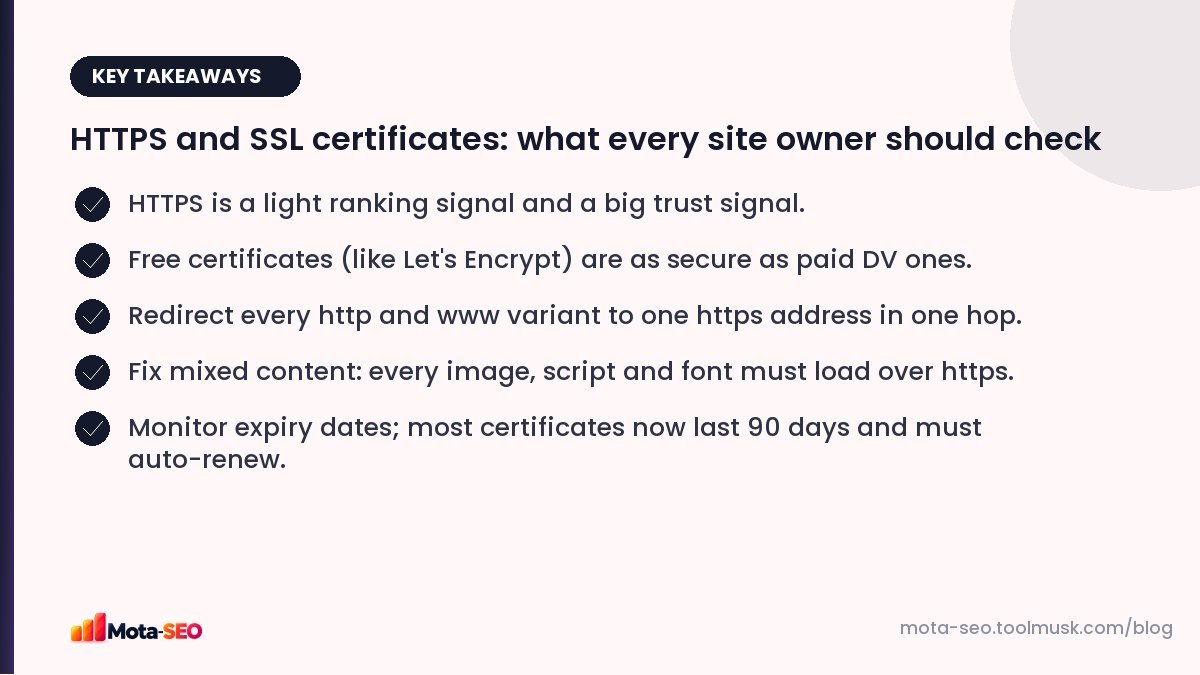
Key takeaways from this guide
How it works, briefly
An SSL/TLS certificate proves that a server really belongs to the domain it claims to, and provides the keys used to encrypt the connection. It's issued by a certificate authority (CA) that browsers trust. ("SSL" is the old name; the modern protocol is TLS, but everyone still says SSL certificate.)
Free or paid?
| Type | What it verifies | Good for |
|---|---|---|
| Domain Validated (DV) | That you control the domain | Almost every website. Free from Let's Encrypt; included by most hosts. |
| Organization Validated (OV) | Domain plus the organisation's identity | Companies that want the legal name in certificate details. |
| Extended Validation (EV) | Stricter organisation checks | Some banks and large organisations; browsers no longer show a special green bar. |
Encryption strength is the same across all three. For SEO there's no difference at all. A free DV certificate is the right choice for most sites.
The HTTPS checklist
1. Valid certificate, correct names
The certificate must cover every hostname you use, typically both example.com and www.example.com. Run your domain through our SSL checker to see the issuer, expiry date, covered names and whether the chain is complete.
2. One final address, one hop
Choose your preferred version (say, https://example.com). All of these should 301 redirect to it in a single step:
http://example.comhttp://www.example.comhttps://www.example.com
Test each with the redirect checker. A common problem is a two-step chain (http → https → non-www); see our redirects guide for a single combined rule.
3. No mixed content
If a secure page loads an image, script, stylesheet or font over plain http, browsers either block it or show a warning. Old sites migrated to https often have hard-coded http:// links in content and theme files. Search the database and templates for http://yourdomain and update them; on WordPress, a search-and-replace plugin handles this.
4. Update everything that references URLs
- canonical tags and hreflang,
- the XML sitemap,
- internal links,
- Open Graph image URLs,
- Search Console (a Domain property covers both protocols).
5. Auto-renewal
Let's Encrypt certificates last 90 days and are designed to renew automatically. Industry rules are steadily shortening maximum certificate lifetimes for all certificates, so manual renewal is becoming impractical. Make sure renewal is automated by your host or server, and set a reminder to check the expiry date monthly. An expired certificate shows a full-page browser warning, which loses nearly every visitor.
6. Consider HSTS
The Strict-Transport-Security header tells browsers to always use https for your domain, even if someone types http. It closes a small security gap and saves a redirect on repeat visits. Add it only once https works everywhere, including subdomains if you use includeSubDomains. Check your headers with the HTTP headers checker.
Moving an existing site from http to https
- Install the certificate and check it on all hostnames.
- Fix hard-coded http links in content and templates.
- Add site-wide 301 redirects from http to https.
- Update canonicals, sitemap and internal links.
- Monitor Search Console for crawl errors and traffic for two to four weeks.
Done properly, an http-to-https move rarely causes more than a brief wobble in rankings.
Common errors and what they mean
| Browser message | Likely cause |
|---|---|
| Your connection is not private / certificate expired | Renewal failed. |
| Certificate name mismatch | The certificate doesn't include www (or the bare domain). |
| Incomplete chain / unknown issuer on some devices | Intermediate certificate not installed on the server. |
| Not secure, despite https | Mixed content on the page. |
HTTPS is one of those things that's either fine or urgently broken. A two-minute check each month with the SSL checker is enough to stay on the right side of it.
Frequently asked questions
Does HTTPS improve Google rankings?
It is a lightweight ranking signal. Its bigger effect is trust: browsers warn visitors about non-secure pages, which hurts conversions.
Is a free SSL certificate good enough?
Yes. Free domain-validated certificates such as Let's Encrypt provide the same encryption as paid ones and are fine for SEO.
What is mixed content?
A secure https page that loads some resources, like images or scripts, over plain http. Browsers may block those resources or show the page as not fully secure.
How do I know when my SSL certificate expires?
Check it with an SSL checker, which shows the expiry date, and make sure your host or server renews it automatically.

Written by the Mota-SEO team
We build free SEO and website tools. Our guides are practical, written for small teams, and checked against Google's own documentation.


Comments 0