SEO-friendly URLs: rules, examples and when to change them
A good URL is short, readable and permanent. A bad one is a string of IDs and parameters that nobody wants to click or share. Here are the rules that matter, and why changing existing URLs is usually the riskiest thing you can do.
URLs are a small ranking factor and a bigger usability one. People see them in search results, in shared links, in WhatsApp messages. A clear URL tells them what they'll get before they click, and it's easier to link to and remember.
The bigger lesson, though, is about permanence. Once a URL has rankings and links, changing it carries real risk. So it pays to get them right from the start.
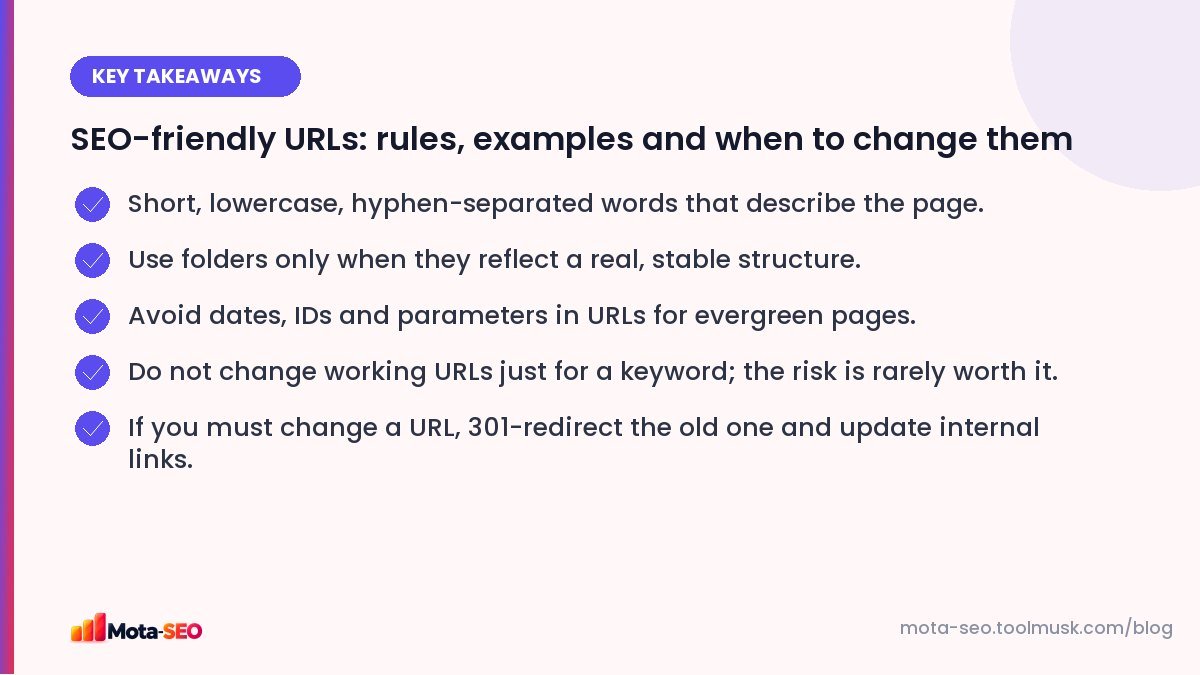
Key takeaways from this guide
What a good URL looks like
| Bad | Good |
|---|---|
| /index.php?id=4821&cat=7 | /services/gst-registration |
| /Blog/2026/10/04/How_To_Write_A_Perfect_Meta_Title_For_Your_Website_In_2026/ | /blog/how-to-write-a-meta-title |
| /p/12345 | /shoes/mens-running-shoes |
| /services/services-page-new-final | /services/root-canal-treatment |
The rules
Use words that describe the page
Two to five meaningful words is usually enough. Include the main topic; it's a small relevance hint and makes the link self-explanatory when shared.
Hyphens, not underscores or spaces
Google treats hyphens as word separators. Underscores join words together (root_canal may be read as one token). Spaces become %20 and look broken.
Lowercase only
URLs are case-sensitive on most servers: /About and /about can be two different pages, which creates duplicates. Stick to lowercase, and redirect uppercase variants if they exist.
Leave out filler words when it reads fine
"a", "the", "and", "of" can usually go: /how-to-choose-a-water-purifier becomes /choose-water-purifier. Keep them if removing them makes the URL confusing. Our text to slug converter turns any title into a clean slug.
Folders should mean something
/services/, /blog/, /shoes/mens/ help people and Google understand sections. But avoid deep nesting (/category/sub/sub-sub/product) and avoid putting things in folders you might reorganise later, such as blog categories.
No dates in evergreen URLs
/2024/03/seo-tips looks stale the moment the year changes, and you can't update the content without the URL looking outdated. News sites are the exception.
Be careful with parameters
Filters and sorting often create URLs like /shoes?color=blue&sort=price. That's fine for users, but thousands of parameter combinations can waste crawling and create duplicates. Use canonical tags pointing to the main category, and keep only valuable filter pages indexable. See our canonical tags guide.
Should the URL match the title exactly?
No. The title can change ("10 tips" becomes "12 tips"), but the URL should stay the same forever. Make the slug a stable description of the topic: /meta-title-tips survives any rewrite of the headline.
Non-English URLs
You can use Hindi or other scripts in URLs; browsers display them properly. But when copied, they often turn into long percent-encoded strings that look broken in emails and chats. For sites mainly in English, transliterated or English slugs are more practical. If you do use non-Latin domains, our IDN converter shows the punycode version.
When is it worth changing a URL?
Rarely. Changing a URL means Google has to find the redirect, transfer signals and re-evaluate the page, which can cause a temporary dip even when done perfectly. Change URLs when:
- they're genuinely broken or unusable (session IDs, random strings),
- you're merging duplicate pages,
- you're moving to a new site structure or platform anyway,
- the URL is actively misleading (the page's topic completely changed).
Don't change a working, ranking URL just to add a keyword. The gain is small and the risk is real.
How to change a URL safely
- Set up a permanent 301 redirect from the old URL to the new one. Our .htaccess redirect generator writes the rules for Apache servers.
- Update every internal link to point directly to the new URL.
- Update the canonical tag and the sitemap.
- Test the old URL with the redirect checker: one hop, 301, ends on a 200 page.
- Keep the redirect in place permanently; links from other sites may point to the old address for years.
Getting URLs right at the start is one of those decisions that saves a lot of work later. If you're building a new site, plan them alongside the page list in our new website checklist.
Frequently asked questions
Do keywords in URLs help SEO?
A little. They are a minor relevance signal and make links clearer to people. The page content and title matter far more.
Should I use hyphens or underscores in URLs?
Hyphens. Google treats them as spaces between words, while underscores can join words together.
How long should a URL be?
As short as possible while still describing the page, usually two to five words in the slug. There is no strict limit, but short URLs are easier to read and share.
Will changing my URLs hurt SEO?
It can cause a temporary drop, even with correct 301 redirects, while Google processes the change. Only change URLs when there is a strong reason.

Written by the Mota-SEO team
We build free SEO and website tools. Our guides are practical, written for small teams, and checked against Google's own documentation.
Comments 0