Schema markup for beginners: which types are actually worth adding
Schema markup describes your page in a language search engines read directly: this is a product, this is its price, these are our opening hours. Here is which types are worth the effort for most sites, with copy-ready examples.

Schema markup (also called structured data) is a block of code that labels the information on your page in a standard vocabulary from schema.org. Instead of Google guessing that "₹1,299" near a product photo is a price, you tell it directly.
In return, Google may show your page with extra details: star ratings, prices, availability, breadcrumbs. These are called rich results, and they can make a listing noticeably more clickable.
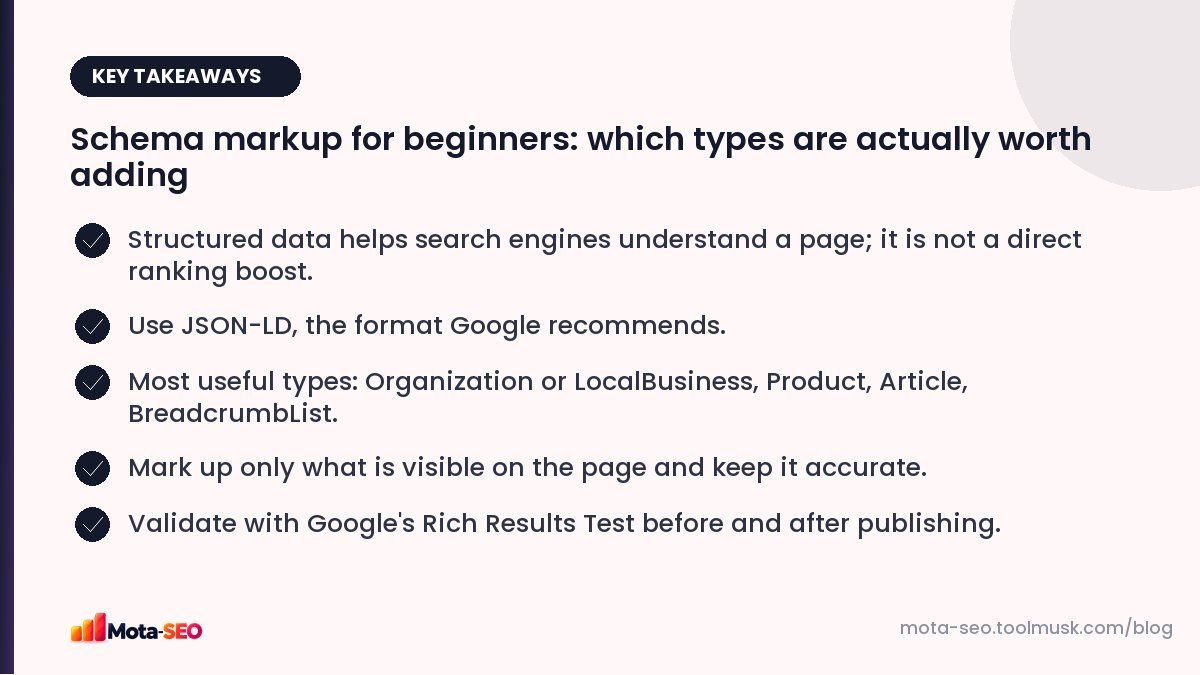
Key takeaways from this guide
What structured data can and can't do
It can make your page eligible for rich results and help search engines understand entities: your business, products, authors, events.
It can't make a page rank higher by itself, and it doesn't guarantee rich results. Google decides when to show them. It also can't be used to describe things that aren't on the page; that goes against Google's guidelines and can lead to a manual action.
Use JSON-LD
There are three formats (JSON-LD, Microdata, RDFa). Google recommends JSON-LD: a script block in the page that doesn't mix with your HTML, so it's easier to add and maintain.
<script type="application/ld+json">
{ "@context": "https://schema.org", "@type": "...", ... }
</script>
The types worth adding for most sites
1. Organization or LocalBusiness (homepage)
Tells Google your official name, logo, contact details and social profiles. Local businesses should use LocalBusiness or a more specific subtype such as Dentist, Restaurant or Store.
{
  "@context": "https://schema.org",
  "@type": "Dentist",
  "name": "SmileCare Dental Clinic",
  "url": "https://smilecare.example",
  "logo": "https://smilecare.example/logo.png",
  "telephone": "+91-20-5555-0123",
  "address": {
    "@type": "PostalAddress",
    "streetAddress": "12 FC Road",
    "addressLocality": "Pune",
    "postalCode": "411004",
    "addressCountry": "IN"
  },
  "openingHours": "Mo-Sa 10:00-19:00"
}
2. Product (product pages)
Price, currency, availability and, if you have real reviews on the page, ratings. This is the type most likely to produce visible rich results in shopping searches.
{
  "@context": "https://schema.org",
  "@type": "Product",
  "name": "Cotton Kurta – Indigo Block Print",
  "image": "https://shop.example/kurta-indigo.jpg",
  "sku": "KRT-1042",
  "brand": { "@type": "Brand", "name": "Example Handlooms" },
  "offers": {
    "@type": "Offer",
    "price": "1299",
    "priceCurrency": "INR",
    "availability": "https://schema.org/InStock"
  }
}
3. Article or BlogPosting (blog posts)
Headline, author, dates and image. Helps Google understand who wrote what and when.
4. BreadcrumbList (any page with breadcrumbs)
Lets Google show a readable path ("Home › Blog › Technical SEO") in place of the raw URL. Easy to add and widely shown.
5. Others, if they fit
- Event for concerts, workshops, webinars with dates.
- Recipe for recipe sites.
- JobPosting for job listings (shows in Google's job search).
- VideoObject for pages built around a video.
- FAQPage: still valid, but see our FAQ schema guide for why rich results are now limited.
Rules to follow
- Mark up only visible content. If the price is ₹1,299 on the page, the markup must say 1299.
- Don't fake reviews. Self-written ratings, or ratings collected elsewhere and pasted in, break the guidelines.
- Keep it updated. Out-of-stock products marked InStock create a bad experience and can lose rich results.
- Use the most specific type that fits (Dentist rather than LocalBusiness).
Adding it to your site
- WordPress: SEO plugins add Organization, Article and Breadcrumb markup automatically; WooCommerce adds Product markup.
- Shopify and other platforms: most themes include Product markup; check it's complete.
- Custom sites: generate the JSON-LD from your page data in the template. Our schema markup generator builds valid JSON-LD for the common types to use as a starting point.
Testing
- Paste the URL or code into Google's Rich Results Test to see which rich results the page is eligible for, and any errors.
- Use the Schema Markup Validator (validator.schema.org) to check general schema.org validity.
- After publishing, watch the Enhancements reports in Search Console for errors across many pages.
If your JSON doesn't parse, the JSON validator will point to the exact character that's wrong, usually a missing comma or an unescaped quote.
Where to start
For a typical small business: LocalBusiness on the homepage and contact page, BreadcrumbList site-wide, and Product or Article on the relevant templates. That covers most of the benefit in an afternoon.
Frequently asked questions
Does schema markup improve rankings?
Not directly. It helps search engines understand your content and can make pages eligible for rich results, which can improve click-through rates.
What is the best format for structured data?
JSON-LD. It is Google's recommended format and is the easiest to add and maintain because it sits in a script block separate from your HTML.
Why are my rich results not showing?
Valid markup makes a page eligible, but Google decides when to show rich results based on the search, the page quality and policies. Check for errors in the Rich Results Test and Search Console.
Can I add review stars to my own business page?
Self-serving reviews of your own business on your own site are not eligible for review rich results for LocalBusiness and Organization. Product reviews from real customers on product pages can be.

Written by the Mota-SEO team
We build free SEO and website tools. Our guides are practical, written for small teams, and checked against Google's own documentation.



Comments 0