QR codes and WhatsApp links: connect offline marketing to your website
A flyer, a shop counter or a delivery bag can send people straight to your website, your Google reviews or a WhatsApp chat. Here is how to use QR codes and WhatsApp links well, and how to measure what they bring.
India scans QR codes every day, mostly to pay. That habit makes QR codes one of the easiest ways to connect offline marketing to something measurable online. Pair them with WhatsApp click-to-chat links and a flyer, signboard or product box can start a real conversation with a customer.
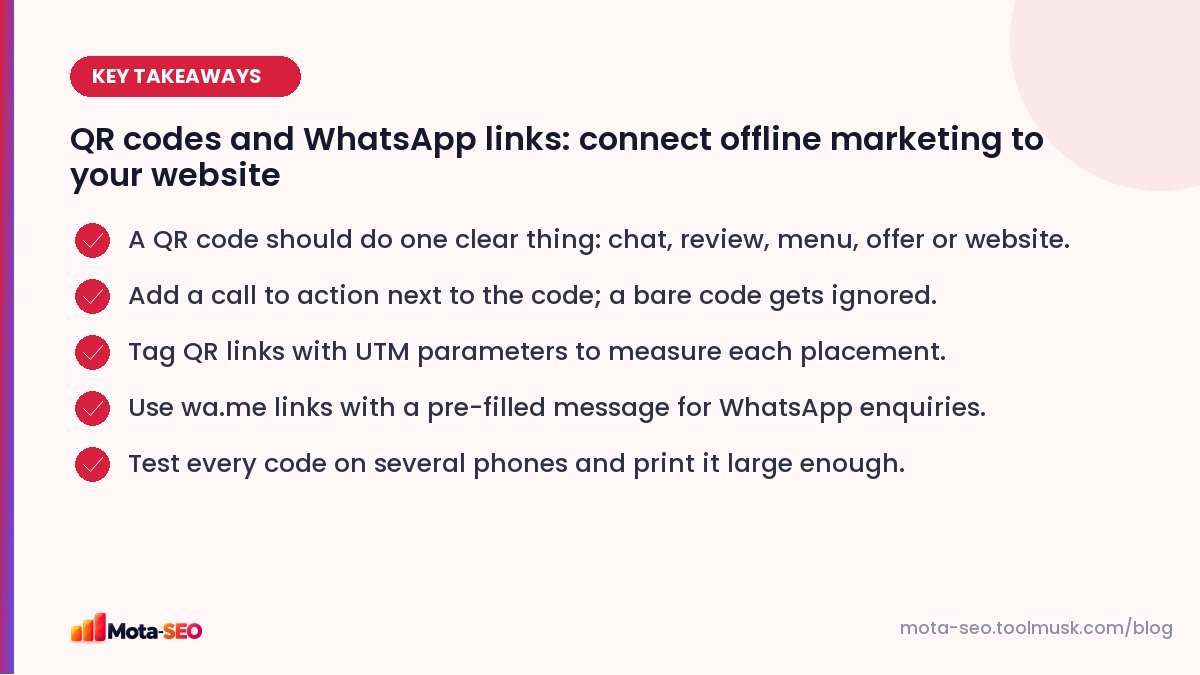
Key takeaways from this guide
Five jobs a QR code can do well
| Job | Where to place it | Link to |
|---|---|---|
| Start a WhatsApp chat | Flyers, vehicles, visiting cards, counters | wa.me link with a pre-filled message |
| Collect Google reviews | Counter, invoice, packaging insert | Your Business Profile review link |
| Show a menu or price list | Tables, shop windows | A fast mobile page |
| Claim an offer | Newspaper inserts, posters | A landing page for that offer |
| Give instructions | Product packaging, manuals | Setup guide or video page |
One code, one job. A code that opens a generic homepage wastes the customer's intent.
WhatsApp click-to-chat links
WhatsApp supports links in this format:
https://wa.me/919876543210?text=Hi%2C%20I%20saw%20your%20flyer%20and%20want%20to%20know%20the%20price%20of%20AC%20service- Use the full number with country code, no plus sign, spaces or dashes.
- The
textparameter pre-fills the message (URL-encoded). - A pre-filled message that mentions the source ("I saw your flyer") tells you where the lead came from, even without analytics.
Our WhatsApp link generator builds the link and encodes the message for you. Use the same link on your website as a chat button; see local SEO for Indian businesses for why that matters on mobile.
Tracking QR codes
When a QR code points to your website, add UTM parameters so each placement shows up separately in analytics:
https://example.com/offer?utm_source=flyer&utm_medium=qr&utm_campaign=diwali_2026&utm_content=andheri_dropBuild tagged links with the UTM builder and read our UTM guide for naming rules. Tagged URLs are long, which makes denser QR codes; a short link or a short dedicated URL (example.com/diwali redirecting to the tagged URL) keeps the code simple and scannable.
Designing codes that actually get scanned
- Add a call to action right beside it: "Scan to chat on WhatsApp", "Scan for today's menu", "Scan to rate us". A bare code gets ignored.
- Size: as a rough rule, the code should be at least 2–2.5 cm wide on a flyer at arm's length, and much larger on posters and vehicles. Scanning distance is roughly ten times the code's width.
- Contrast: dark code on a light background. Inverted or low-contrast codes fail on many phones.
- Quiet zone: leave a clear margin around the code.
- Logo in the middle: fine if you use high error correction and test it; don't cover too much.
- Print test: print a sample at real size and scan it with three or four different phones, including an older Android, in shop lighting.
Our QR code generator lets you set colours, error correction and size, and download a print-ready file.
Static vs dynamic codes
A static code encodes the URL directly; it works forever and costs nothing, but you can't change where it points. A "dynamic" code from a paid service points to a redirect you can edit later, with scan statistics, but it stops working if you stop paying.
A middle path: encode a URL on your own domain (example.com/menu) and set a redirect on your server. You can change the destination any time, and you never depend on a third party.
The review QR code
Asking for Google reviews at the right moment is one of the most effective local SEO habits. Get your review link from Google Business Profile ("Ask for reviews"), turn it into a QR code, and place it where happy customers are: the counter, the bill folder, the delivery bag. Our Business Profile guide covers the rules on asking for reviews.
Mistakes to avoid
- Pointing to a desktop-only page that's painful on a phone.
- A slow landing page; people scan on mobile data. Test with the website speed test.
- Codes too small, or printed on glossy surfaces that reflect light.
- Expired dynamic codes on thousands of printed boxes.
- No tracking, so nobody knows whether the campaign worked.
Offline marketing has always been hard to measure. A QR code with a tagged link, or a WhatsApp link with a source-specific message, finally makes a flyer as measurable as an online ad.
Frequently asked questions
How do I make a WhatsApp link with a message?
Use https://wa.me/ followed by your number with country code and no plus sign, then ?text= and your URL-encoded message. A WhatsApp link generator does the encoding for you.
How big should a QR code be on a flyer?
As a rough guide, at least 2 to 2.5 cm wide for scanning at arm's length, and larger for posters. Test at real size with several phones.
Can I track how many people scan my QR code?
Yes. Add UTM parameters to the URL in the code so visits appear in your analytics, or use a short URL on your own domain that redirects to the tagged link.
Do QR codes expire?
Static QR codes do not expire. Dynamic codes from paid services can stop working if the subscription ends, so encoding a URL on your own domain is safer.

Written by the Mota-SEO team
We build free SEO and website tools. Our guides are practical, written for small teams, and checked against Google's own documentation.

Comments 0