DNS records explained for website owners: A, CNAME, MX, TXT and more
DNS is the phone book that turns your domain name into a server address. You touch it when you move hosting, set up email or verify Search Console, and a single wrong record can take your site or email down. Here is what each record does.
Every time someone types your domain, their device asks the Domain Name System (DNS) where to find it. DNS answers with records you (or your web host) have set. Most site owners only touch DNS a few times: buying a domain, moving hosts, setting up email, verifying Google Search Console. Each time it feels like defusing a bomb.
It doesn't have to. There are only a handful of record types that matter.
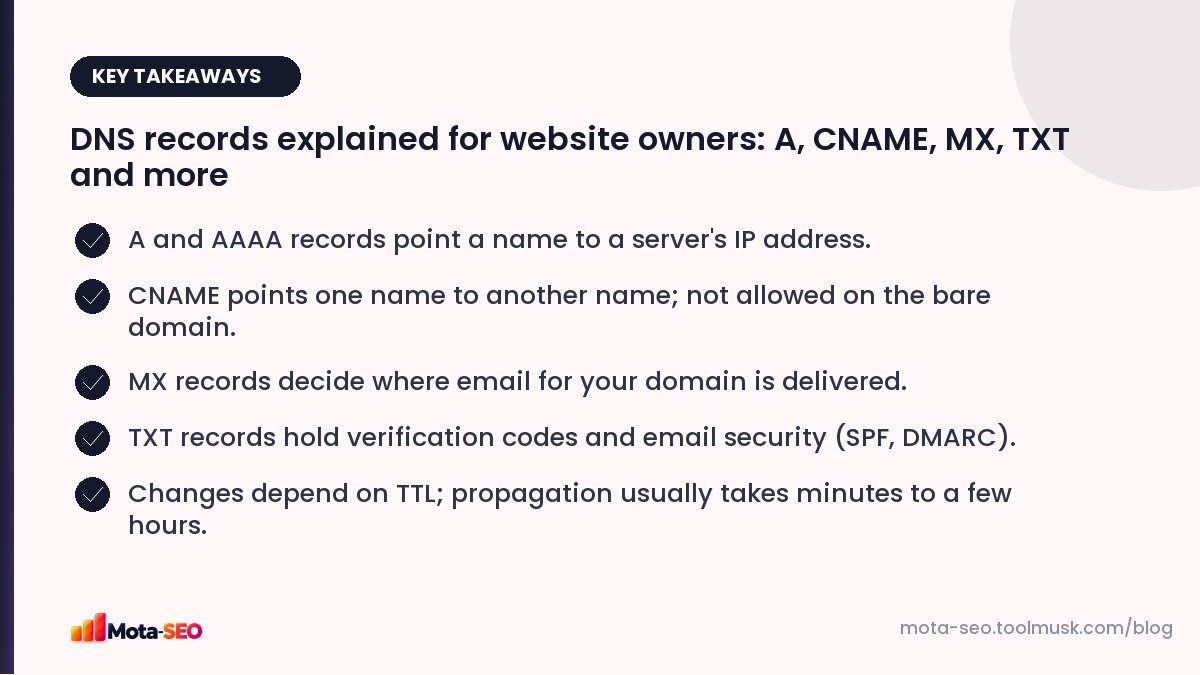
Key takeaways from this guide
Where your DNS lives
Your domain's nameservers decide which company hosts your DNS records. That might be your registrar (GoDaddy, Hostinger, BigRock, Namecheap), your host, or a DNS provider like Cloudflare. Records must be edited wherever the nameservers point, which is the most common source of "I changed it and nothing happened". Check your current nameservers with the WHOIS lookup or the NS record in the DNS lookup.
The records that matter
| Type | What it does | Example |
|---|---|---|
| A | Points a name to an IPv4 address | example.com → 203.0.113.10 |
| AAAA | Points a name to an IPv6 address | example.com → 2001:db8::10 |
| CNAME | Makes one name an alias of another name | www.example.com → example.com |
| MX | Where email for the domain is delivered, with priority | 10 aspmx.l.google.com |
| TXT | Free text: verification codes, SPF, DKIM, DMARC | v=spf1 include:_spf.google.com ~all |
| NS | Which nameservers are authoritative for the domain | ns1.provider.com |
| CAA | Which certificate authorities may issue SSL certificates | 0 issue "letsencrypt.org" |
A records
The core of your website's DNS. When you move hosting, you change the A record for the bare domain (often shown as @) to the new server's IP. Find a domain's current IP with the domain IP lookup.
CNAME records
Useful for subdomains that should follow another name, like www or shop.example.com → shops.myshopify.com. A CNAME can't coexist with other records on the same name, which is why you normally can't put a CNAME on the bare domain. Some DNS providers offer "CNAME flattening" or ALIAS records to work around it.
MX records
Decide which servers accept email for your domain. If you use Google Workspace or Zoho Mail, they'll give you specific MX values. Leftover MX records from an old provider are a common reason emails go missing.
TXT records
Used for proving domain ownership (Google Search Console, Bing, Microsoft 365) and for email authentication. You can have several TXT records on one name, but only one SPF record: two SPF records is an error. Our guide to SPF, DKIM and DMARC covers email records in detail.
TTL and propagation
Every record has a TTL (time to live) in seconds, telling resolvers how long to cache it. With a TTL of 3600, a change can take up to an hour to be seen by everyone who looked up the old value recently. "Propagation" isn't really a slow broadcast; it's caches expiring.
Tip for planned moves: lower the TTL to 300 a day before you change the record, make the change, then raise it again afterwards.
You can watch a change spread with the DNS propagation checker, which queries resolvers in different countries.
DNS and SEO
DNS isn't a ranking factor, but it can break SEO fast:
- Downtime during a host move if the A record points to a server that isn't ready.
- www not resolving because nobody added the www record, so links to www.example.com fail.
- Slow DNS adds delay to the first visit; reputable DNS providers are fast.
- Verification records deleted during a clean-up, so you lose Search Console access.
Common problems and fixes
| Problem | Check |
|---|---|
| Site not loading after a host move | A record points to the new IP? Nameservers where you edited? |
| www works, bare domain doesn't (or vice versa) | Both names have records; redirect one to the other. |
| Emails not arriving | MX records correct and only for the current provider. |
| Emails going to spam | SPF, DKIM and DMARC TXT records present and valid. |
| Search Console won't verify | TXT record on the right name (usually @), exactly as given. |
| SSL certificate won't issue | A CAA record allowing your certificate authority, and correct A records. |
Before you change anything
Take a screenshot or export of all current records. It takes thirty seconds and has saved many a website owner from a lost afternoon trying to remember what the MX records used to be.
Frequently asked questions
How long does DNS propagation take?
Usually minutes to a few hours, depending on the TTL of the old record. With high TTLs it can take up to a day or two for every cache to update.
What is the difference between an A record and a CNAME?
An A record points a name to an IP address. A CNAME points a name to another domain name, which then resolves to an IP.
Can I have two SPF records?
No. A domain should have exactly one SPF TXT record. Combine all senders into a single record.
Does DNS affect SEO?
Not as a ranking factor, but DNS mistakes can make your site or email unreachable, and slow DNS adds delay to the first page load.

Written by the Mota-SEO team
We build free SEO and website tools. Our guides are practical, written for small teams, and checked against Google's own documentation.



Comments 0